
Speed Popcorn Escape Controls Guide
Move clean, camera steady — hazards punish muddy input more than low Speed.
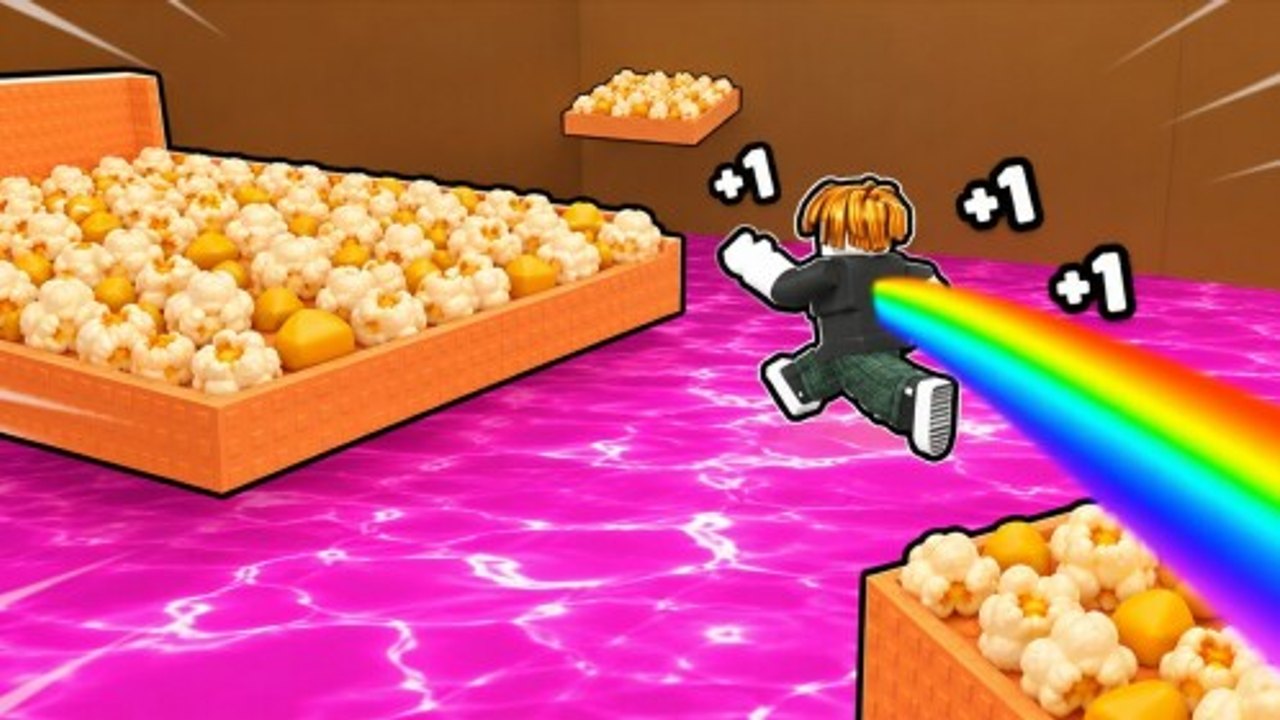
Clean inputs turn +1 Speed Popcorn Escape from a death loop into a readable rhythm game on a popcorn carpet. This Controls guide covers PC, mobile, and console habits for movement, camera, lobby UI (codes, rebirth, shop), and hazard precision. Pair it with Beat Obstacles and Getting Started.
Roblox shares a common control skeleton; Popcorn Maniacs’ HUD labels can shift after polish patches — when buttons move, check Updates. Always play the real placeId 86151200458334 (Links Hub).
Universal principles
- Camera first — if you cannot see lava rise or ball angle, no keybind saves you.
- Commit to strafe direction through crusher gaps; stutter-steps add hitbox time.
- Lobby UI is part of controls — claiming the Popcorn Maniacs gift and opening rebirth counts as skill.
- High Speed demands earlier steering — train reactions as numbers climb (Treadmill Training).
- One device per session when learning — mixing touch and keyboard mid-attempt confuses muscle memory.
PC (keyboard + mouse)
Movement
- WASD — standard locomotion; every step still feeds the +1 Speed fantasy on course surfaces.
- Shift — sprint if enabled by the experience; only use when you have braking room before hazards.
- Space — jump when gaps exist; do not jump-spam inside crusher timing windows unless a route requires it.
Camera
- Right-mouse drag to orbit; keep the horizon slightly above center so rolling balls appear earlier.
- Scroll to a medium zoom — too close glamorizes popcorn, too far hides slam telegraphs.
- After death, reset camera before rematching so lobby angles do not carry into the run.
UI
- Click Codes / Rewards carefully; highlight text fields fully before pasting (How to Redeem).
- Rebirth confirm dialogs need deliberate clicks (How to Rebirth).
- Esc menu for leave / reconnect if the client stutters mid-train.
PC precision tips
- Cap frame pacing if input feels floaty on very high refresh setups.
- Disable overlapping overlays (browser, Discord) that steal a single WASD key.
- Use wired mice when practicing crusher drills to reduce wireless hiccups.
Mobile (touch)
Movement
- Dynamic joystick on the left; keep thumb motions small for lane corrections past the ball.
- Jump button on the right — reposition in Roblox settings if your thumb covers critical HUD.
Camera
- Drag on open space to reorient; avoid fighting the joystick zone.
- Landscape mode usually wins for hazard readability.
- Brightness up for lava contrast outdoors.
UI
- Rotate if the Codes button hides under the stick.
- Paste codes from the group shout; strip extra spaces.
- Watch for fat-finger Cancel on rebirth confirms.
Mobile precision tips
- Case lips can block edge of the screen — adjust grip.
- Play seated when learning; walking IRL plus rolling balls is chaos.
- Plug in during treadmill blocks so the screen does not dim mid-farm.
Console (controller)
Movement
- Left stick locomotion; right stick camera.
- Triggers / face buttons map to jump and interact depending on Roblox platform defaults — check the in-experience prompt.
Camera
- Lower look sensitivity slightly for crusher entries; raise it later for ball tracking once stable.
- Flick to check behind only in safe zones — mid-lava rubbernecking is a classic lobby ticket.
UI
- Use the virtual cursor patiently in lobby for Codes and Rebirth panels.
- If text entry is painful, redeem on mobile/PC, then continue on console — rewards are account-bound.
Console precision tips
- Enable vibration if it helps telegraph hits, disable if it distracts timing.
- Keep deadzones sane; huge deadzones make micro-strafes past crushers harder.
Lobby control checklist
| Action | Why it matters |
|---|---|
| Join / verify group gift | Free progress (Codes Hub) |
| Open rebirth only when ready | Avoid mis-taps |
| Server hop | Escape crowded 16-player chaos |
| Report menu | Grief > revenge scripts |
Hazard-specific input notes
Lava
Pre-turn the camera toward the escape ramp before the rise completes. Movement should already be pointed uphill.
Crushers
Enter on a counted beat. On PC, a single forward pulse beats feathering W in panic. On mobile, commit the stick fully through the safe window.
Rolling ball
Early side pick + small stick corrections. High Speed players should start the strafe earlier than their ego expects.
Accessibility options
- Larger UI scale in Roblox settings for readable Wins / Speed numbers
- Colorblind considerations: do not rely only on lava hue — watch height and VFX motion
- Reduce motion if camera bob + ball approaches cause discomfort
Practice routine (15 minutes)
- 3 minutes camera-only walk in a safe area
- 5 minutes treadmill while maintaining centered cam
- 5 minutes crusher-or-ball drill with one input focus (no Speed FOMO)
- 2 minutes lobby UI reps (open codes panel, close, open rebirth, close)
Then take a real Win attempt. Rank priorities afterward with the Tier List Hub.
Troubleshooting “it feels wrong”
| Feel | Try |
|---|---|
| Slippery | Lower sensitivity; shorter stick throws |
| Sluggish | Confirm you are not in a menu; check network |
| Cannot click codes | Rejoin lobby; try another device for UI |
| Jump ruins crusher | Stop jump-spamming that lane |
| Great on PC, bad on mobile | Separate practice sessions |
Related pages
- Guides Hub
- Beat Obstacles
- Players Hub — competitive camera habits
- Scripts Hub — why macros are a bad substitute for skill
Master the stick and the click — the popcorn path rewards deliberate hands.
Frequently Asked Questions
Quick answers for codes, rebirth, treadmills, and obstacle runs.
What are the default PC controls?
WASD to move, mouse to camera, Space to jump, and on-screen buttons for Codes, shop, and Rebirth in lobby. Sprint may use Shift if enabled.
Is mobile viable for crushers and the rolling ball?
Yes with landscape mode, careful joystick deadzones, and practice. Many players redeem codes on mobile successfully too.
Can I play on console?
Yes. Use stick movement and the virtual cursor for lobby UI, or redeem codes on another device first.
Why do I keep mistiming at high Speed?
You must steer earlier. High Speed shrinks reaction windows — practice feathering and camera foresight, not only treadmill numbers.
Do I need macros or scripts for better control?
No. Fair input practice is enough and far safer than executors.